The details that matter.
Native, no tricks.
No private Apple APIs, no SIP exceptions, no system Dock modifications.
Default folders — once on first launch
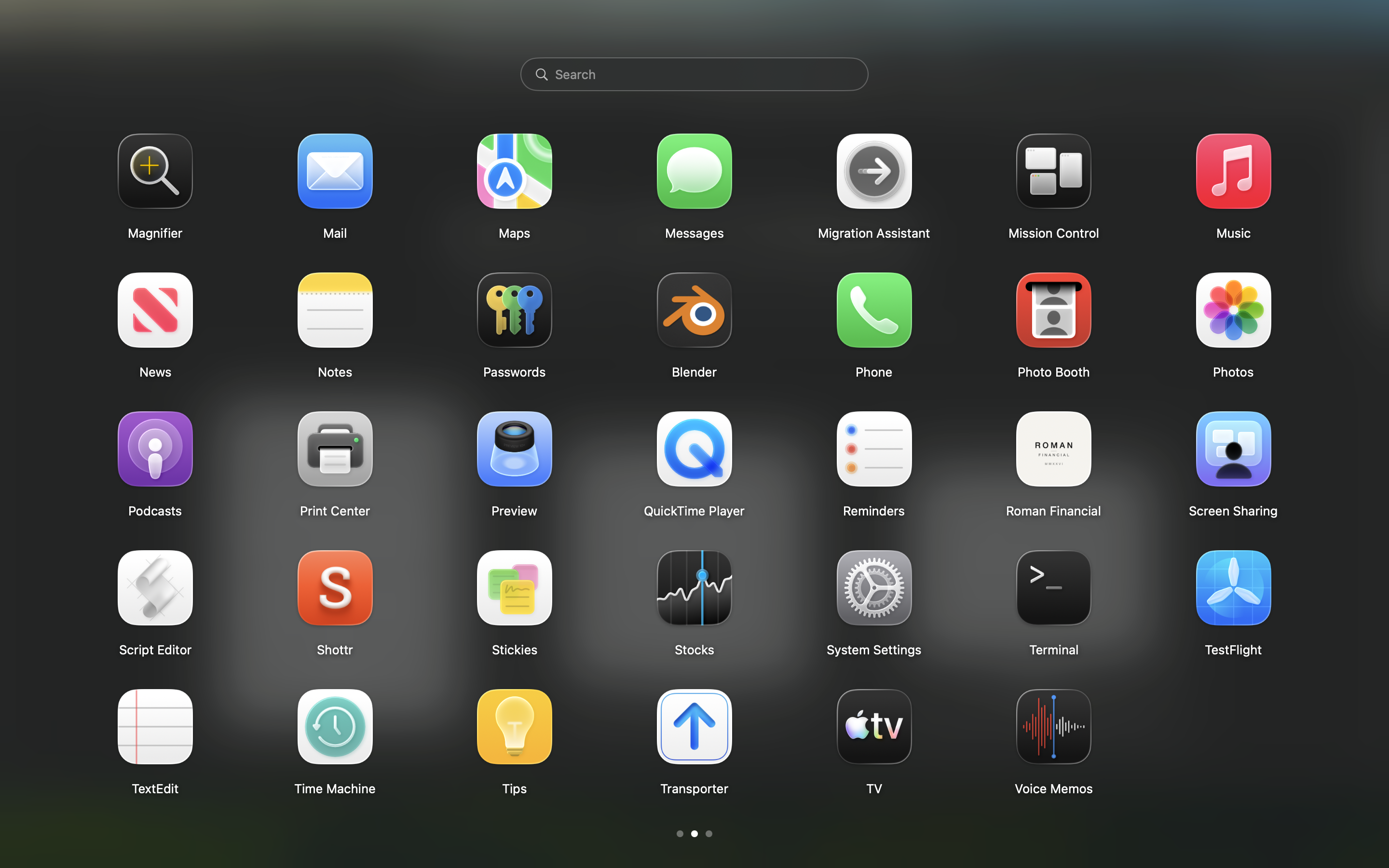
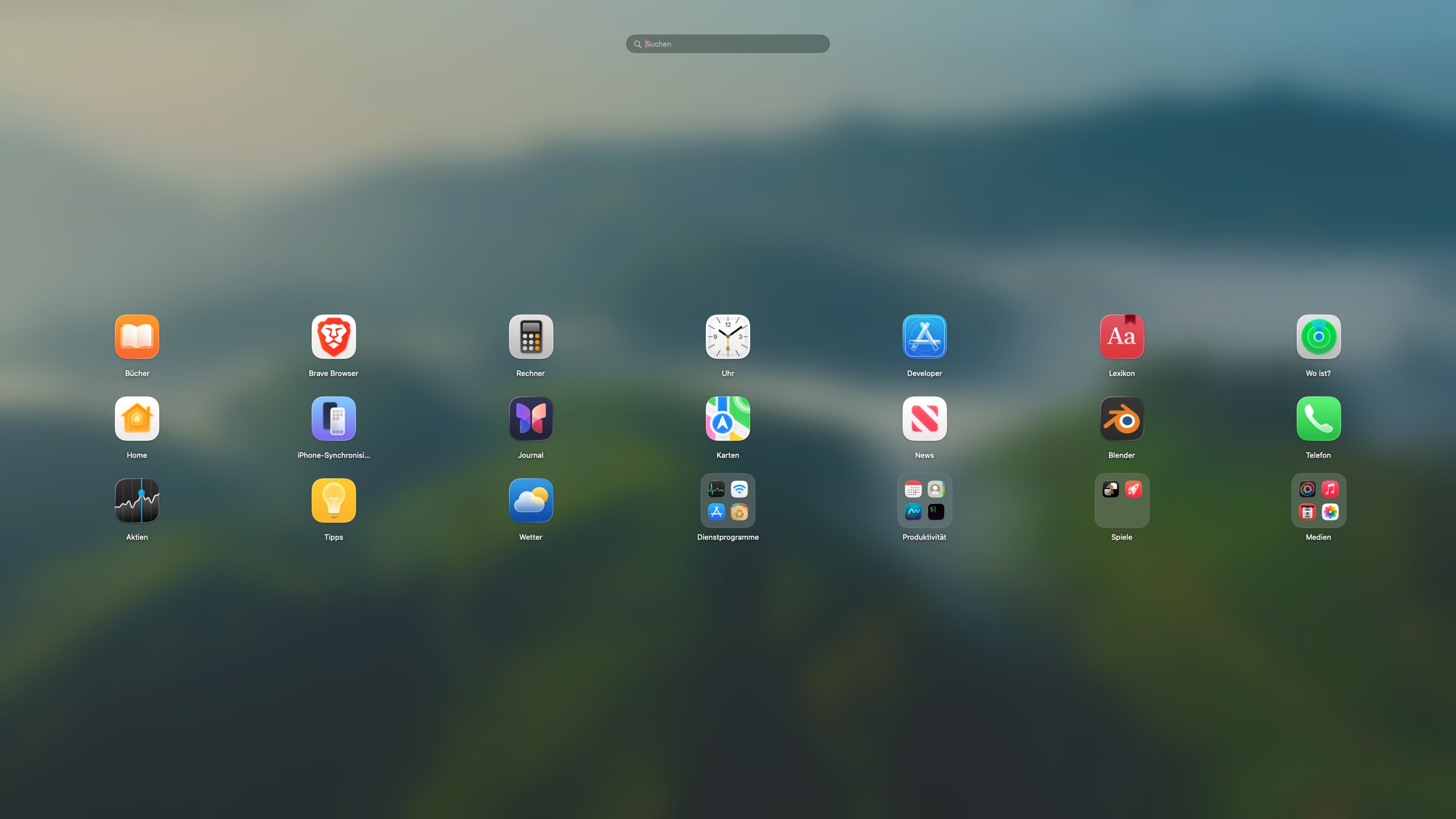
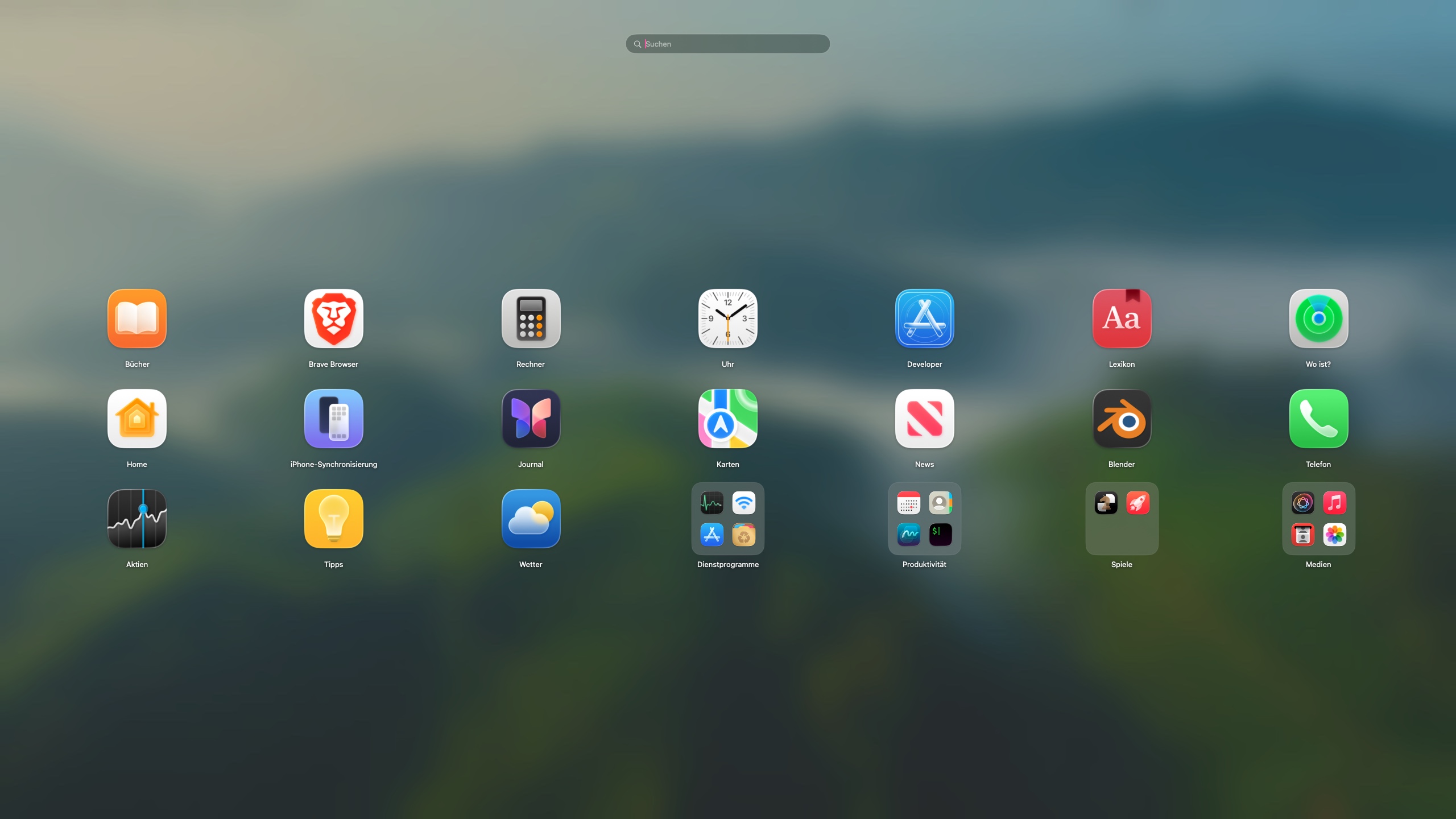
Apps are grouped by category, bundle id and path. Pages, Numbers and Keynote land under iWork; Xcode, VS Code and JetBrains IDEs under Development; system utilities under Utilities; Spotify, VLC and Logic Pro under Media; Slack, Discord and WhatsApp under Social; Claude, ChatGPT and Perplexity under AI. Grouping happens once per folder name. Delete a folder and it won't come back next launch.
Auto-reflow after creating a folder
When creating a folder leaves a gap, the apps after it slide forward automatically. A page with only one icon left collapses into the previous page.
Mouse wheel and trackpad together
Trackpad swipes paginate natively; mouse wheels are detected separately so a single click of the wheel turns one page, with a short cooldown to prevent accidental multi-page jumps.
Edge-scroll while dragging
When you drag an icon close to the horizontal edge of the screen, the page automatically advances after a short delay — cross-page reorder without releasing the icon.